
Ask your own questions at checkout
How to build a form with your own questions, attach it to an event or a ticket and find the answers again.
If you need more than name and email at purchase, for example the company, a meal preference or proof as a file, you build a form for it. Eventbuddy asks it at checkout and saves the answers with the order.
Build a form
Create a form
In the sidebar under Administration, click Forms and then Create form. Under General information, give the form a Name, for example "Trade visitor details".
Add fields
In the Fields section, click Add. Choose the Field type and enter the Field name, which is the question. You can choose Text Field, Multiline text field, Email, Telephone number, Selection, Checkbox, Toggle and File Upload.
Set up the fields
With Mandatory field, the question must be answered. For Selection, you set the answers under Options and allow multiple selection if needed. For File Upload, you decide under Accepted file formats which files are allowed. A file may be at most 5 MB.
Check the preview and save
Click Show preview. On the right, you see the form the way your guests see it. Nothing you enter there is saved. If everything is right, click Save.
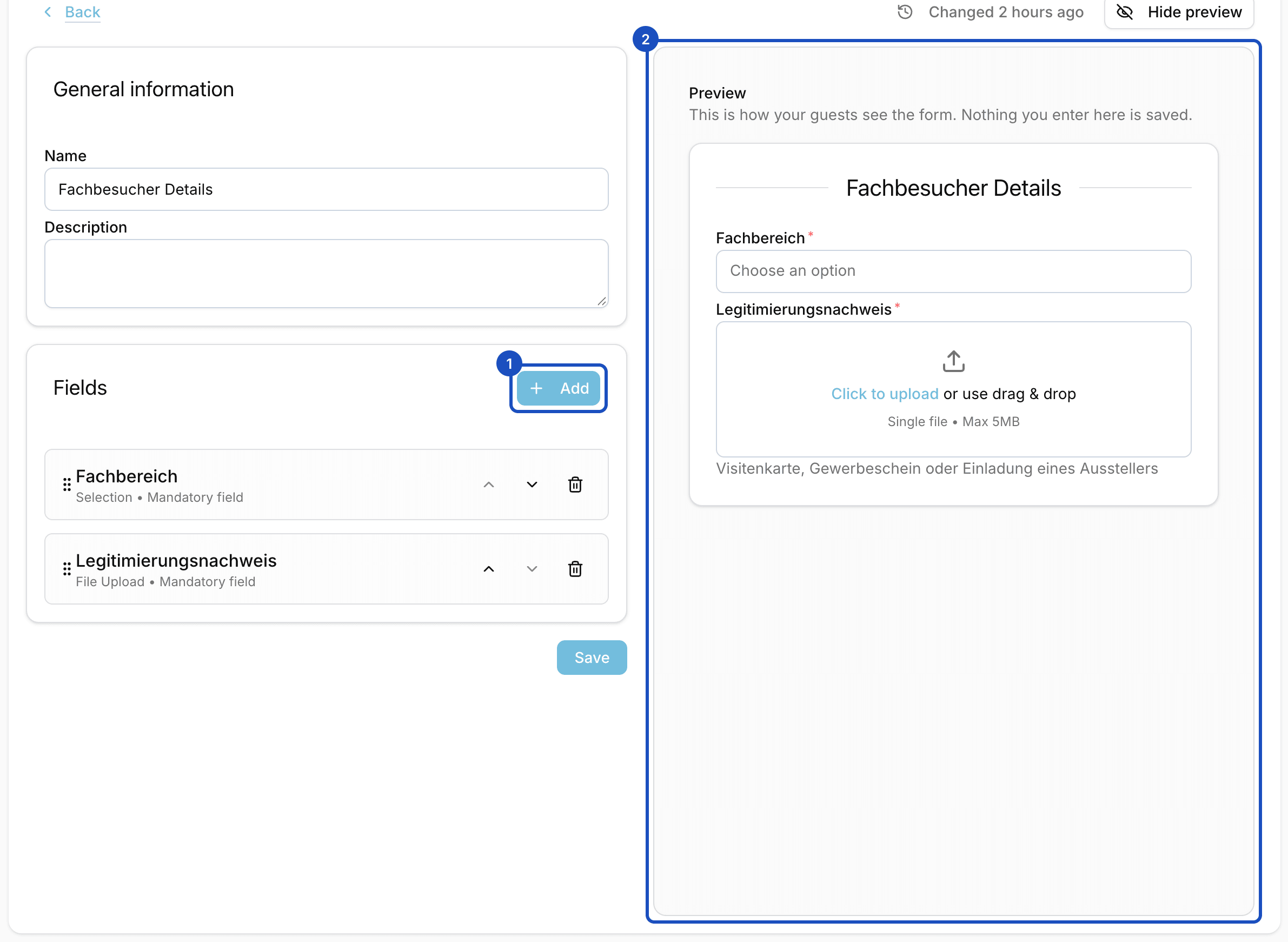
The preview updates while you add fields.
Attach the form to an event or a ticket
You decide whether the questions are asked once per order or for every ticket:
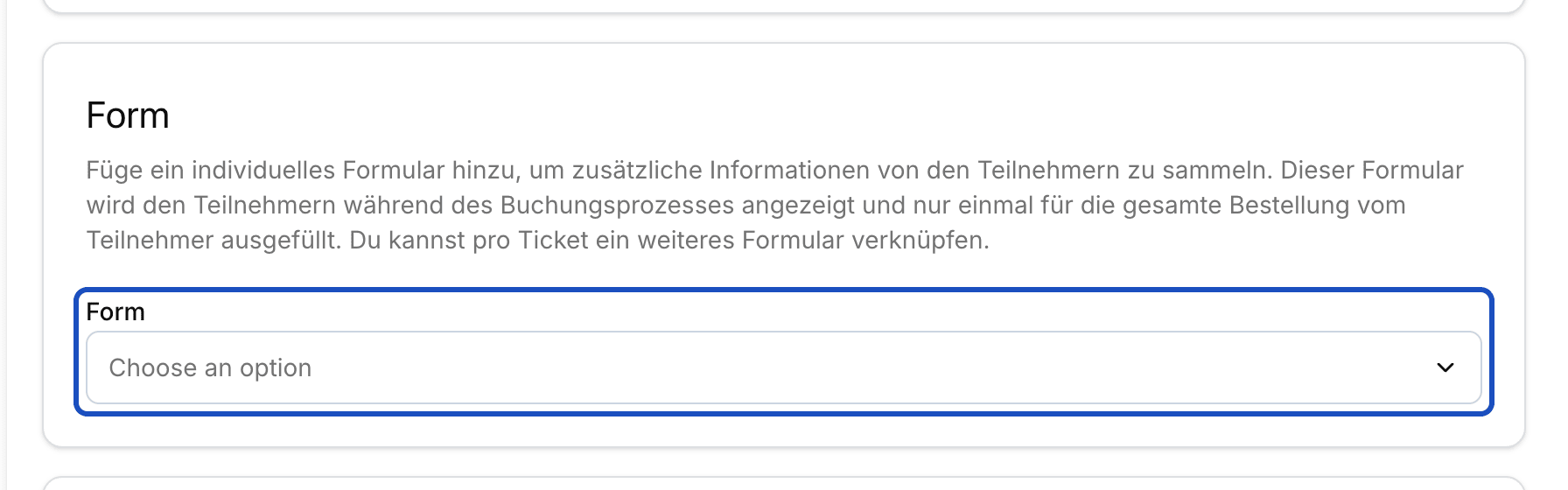
- Once per order: Open the event for editing and choose your form in the Form section. The buyer fills it in once for the whole order.
- For every ticket: On the ticket, click Open and, under Personalisierung (personalization), choose your form in the Form field. It is then filled in for each ticket separately, for example for each person's meal preference.
Then save the event.
Find the answers
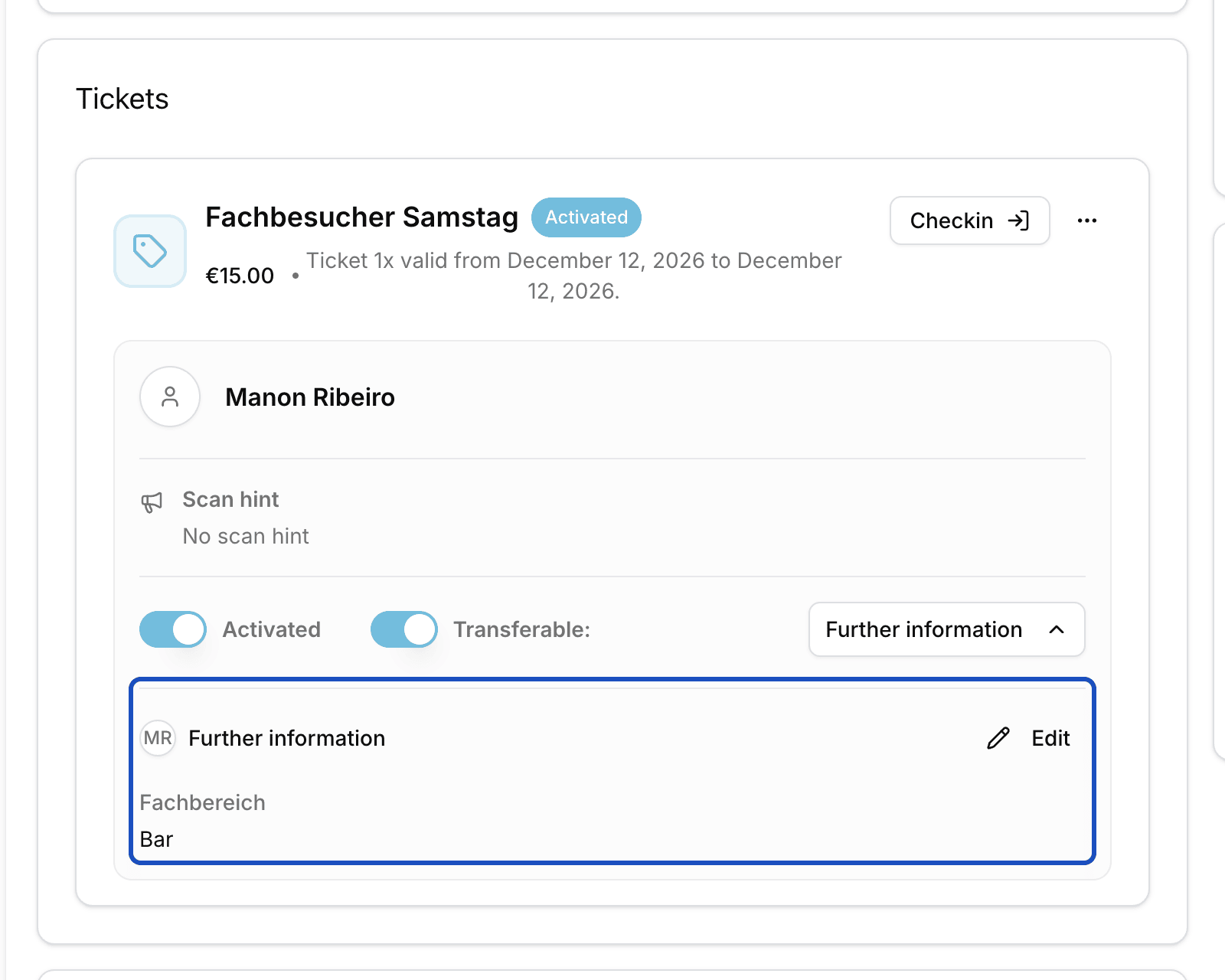
Open the order. The answers to the event's form are in their own section named after the form. Answers per ticket are on the ticket under Further information. You can also correct them there with Edit.
Good to know
Can I see all answers at once?
Yes. Export the orders or the tickets as CSV or Excel. Each question gets its own column in the export.
Can I use one form in several events?
Yes. You can choose a form in as many events and tickets as you like. If you change it, the change applies everywhere it is used.