
Photo on annual passes
How to tie annual passes and other personal tickets to one person with a photo, and upload missing photos at the door.
An annual pass should only be used by the person who bought it. With photo verification, every ticket comes with a photo. The scanner shows it at the door, and your team compares it with the face.
Before you start
Eventbuddy switches photo verification on for your account. Write to us if you want to use it. Without it, you don't see the field.
Turn on the photo for a ticket type
Open the ticket
Open the event, for example your annual passes, and click Open on the ticket.
Choose photo verification
Under Photo verification, choose how strict the photo is:
- Disabled: no photo.
- Optional: guests can upload a photo, the ticket is also valid without one.
- Necessary: without a photo, the scanner reports "The photo is missing." at the door.
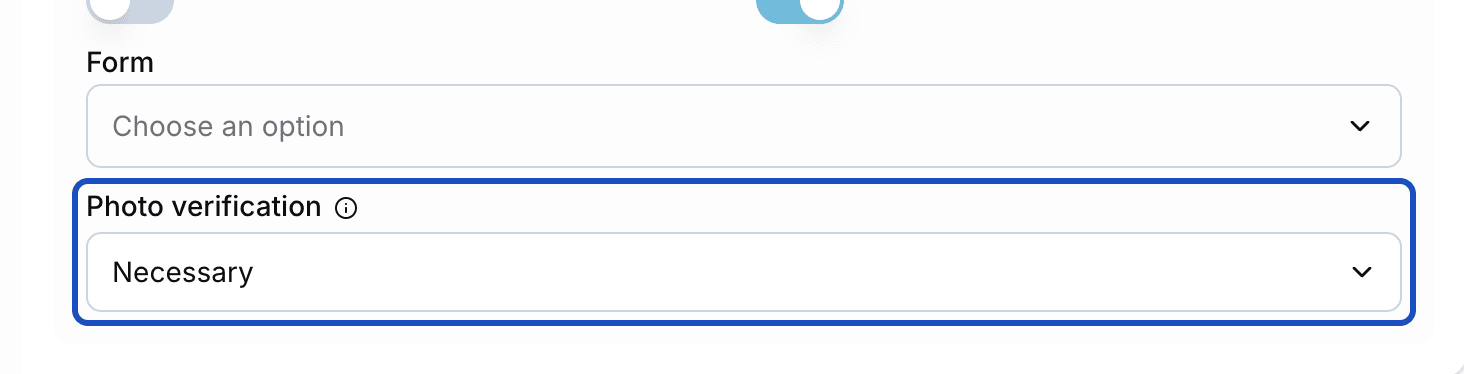
The setting applies to every ticket of this ticket type. Save
Save the event. The setting also applies to tickets that are already sold.
How the photo gets onto the ticket
Buying works as usual. After that there are three ways to the photo:
- The guest uploads it. On their order page, Eventbuddy asks them for a photo in which they are clearly recognizable.
- You upload it in the admin. Open the order. The ticket has a Ticket Photo section. Click Add photo and choose a JPG or PNG image.
- Your team takes it at the door. When the scanner reports "The photo is missing.", take a photo right away with Record now (scanner) or pick one with Select photo.
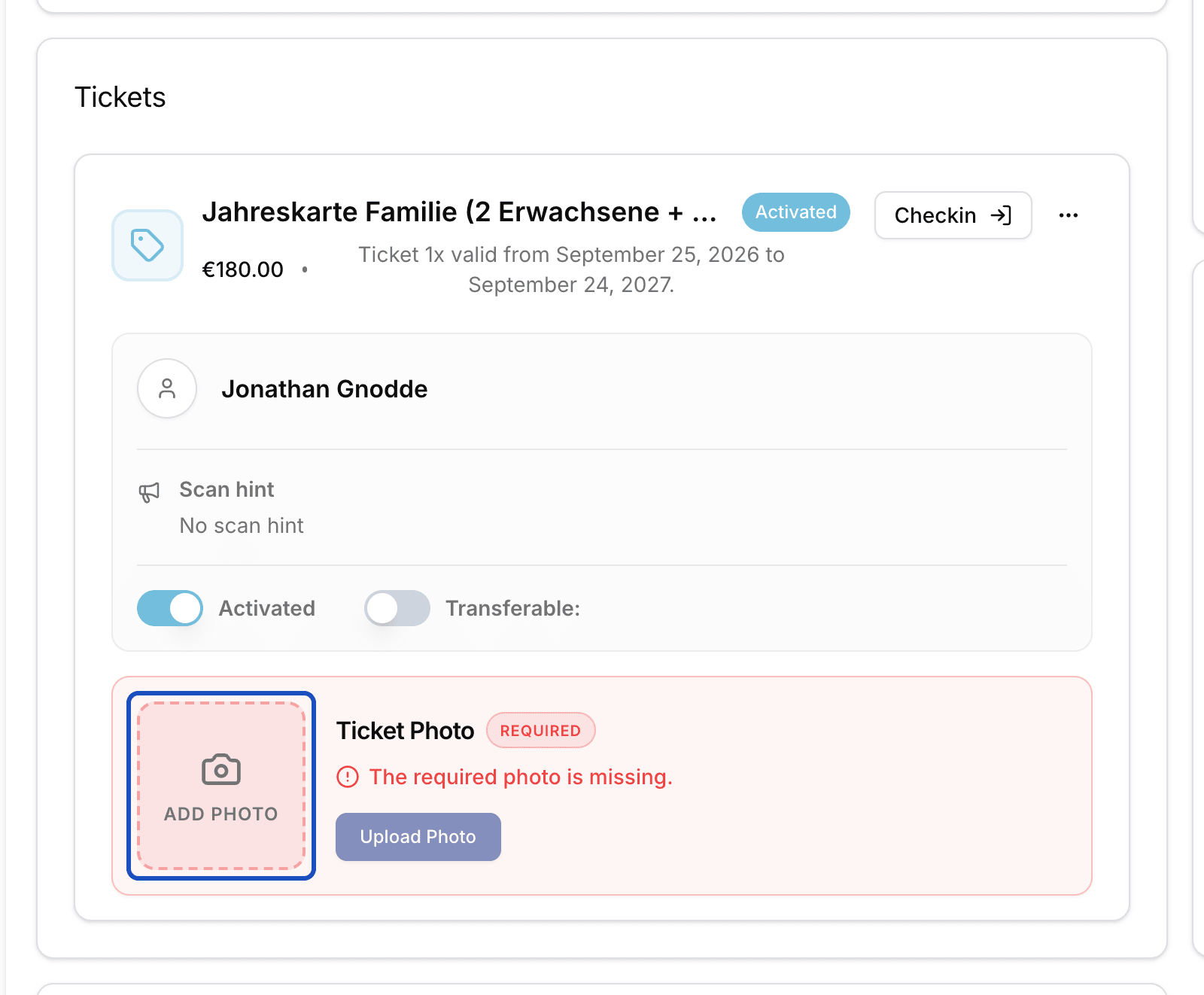
If you upload the photo at the door, the scanner scans the ticket again by itself. From then on it shows the photo on every scan.
Good to know
Can a guest without a photo still get in?
That is up to your team. At "The photo is missing." they can let the guest in with Check in anyway. It is better to take the photo right at the door. Then it is already there on the next visit.
Can I replace a wrong photo?
Yes. Open the order and click Remove photo in the Ticket Photo section. Then upload a new one.
Does the ticket stay valid without a photo?
Yes. The ticket stays active. Only the scan reports the missing photo, as long as photo verification is set to Necessary.