
Write an invoice without a ticket
How to write a free-form invoice, for example for an exhibition stand or a sponsorship, check it, send it and correct it later.
Not everything you bill is a ticket. For an exhibition stand, a sponsorship or a room rental, you write a free-form invoice in Eventbuddy. It gets a number from your number range and is available as a PDF and as an e-invoice.
Before you start
- Eventbuddy switches invoice writing on for you. Write to us if you want to use it. You then find Invoices in the sidebar under Sale.
- Create the recipient as a customer with a complete address first.
Write the invoice
Create the invoice
Open Invoices and click Create invoice.
Choose the recipient
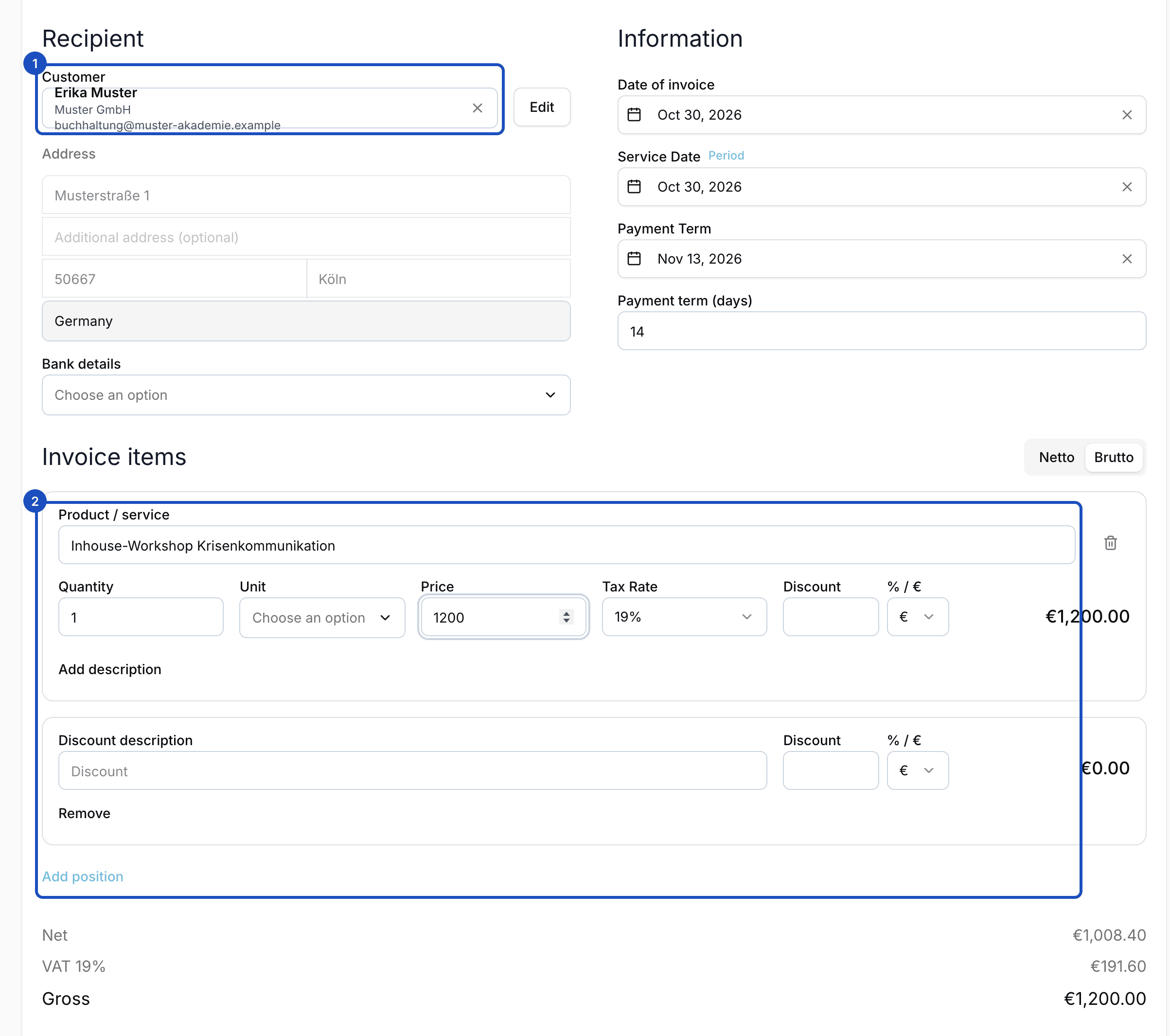
Under Recipient, choose the customer, for example "Muster GmbH", and the Bank details that should appear on the invoice.
Enter the dates
Under Information, enter the Date of invoice, the Payment Term and the Service Date or a Service period.
Add items
Under Invoice items, click Add position. Enter Product / service, Quantity, Unit, Price and Tax Rate. Repeat this for every item.
Check the taxation
Under Taxation, choose the Type of taxation. For most invoices in Germany, the standard stays. For business customers in other EU countries there is, for example, Reverse Charge (B2B within EU).
Save and check
Click Save. The invoice is now a draft that you can still change. Preview shows it the way your customer receives it.
Lock and send
When everything is right, click Lock. In the dialog, check Send Email if your customer should receive the invoice by email, and adjust the Subject if needed. Confirm with Lock.
After locking
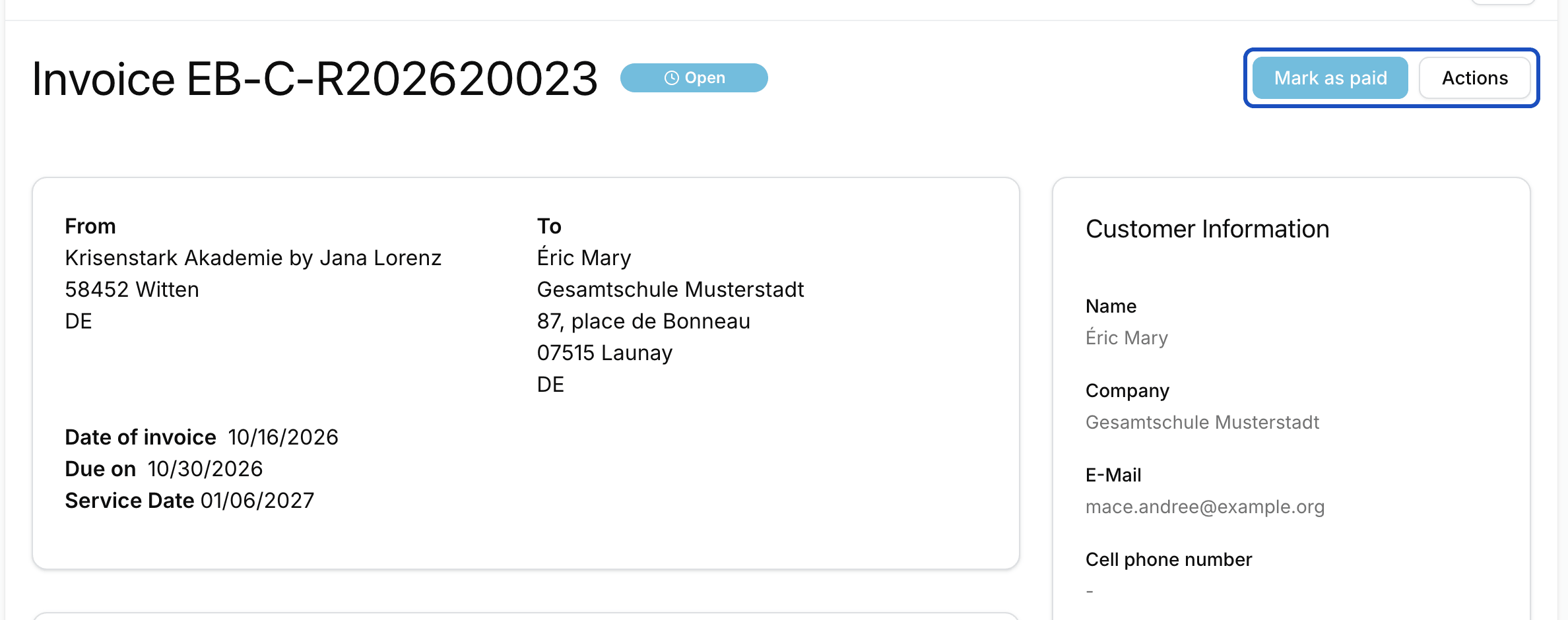
On the invoice's page, Download offers it as PDF, E-Invoice (PDF) or XRechnung (XML). Once the money has arrived, click Mark as paid.
Correct an invoice
Open the invoice and, under Actions, click Create a correction invoice. Eventbuddy creates a new invoice with the same details, which you then change. As soon as you lock the correction invoice, the original invoice is cancelled automatically and referenced on the new one.
If you don't need a replacement, click Cancel under Actions.
Good to know
Can I delete a draft?
Yes. As long as the invoice isn't locked, you delete it with Delete.
How do I enter a routing ID?
Under E-invoice details you enter the Buyer reference (BT-10) and other references for this invoice. If you stored the routing ID with the customer, you don't need to do anything here.
How is the invoice numbered?
By the number range for invoices in your invoice settings. The invoice gets its number when you lock it.