
Share your ticket shop and show it on your website
How to find the link to your shop and to each event, choose the store overview and show the shop on your website.
Every organizer at Eventbuddy has their own shop page with all public events. You share the link by email, on social media or on your website. Each event also has its own page that you can link to directly.
Find the link to your shop
Open your shop
At the bottom of the sidebar, click View page. Your shop page opens in a new tab.
Copy the address
Copy the address from your browser's address bar. It ends in
/o/and your URL slug. You change the URL slug in Settings, in the General Information tab.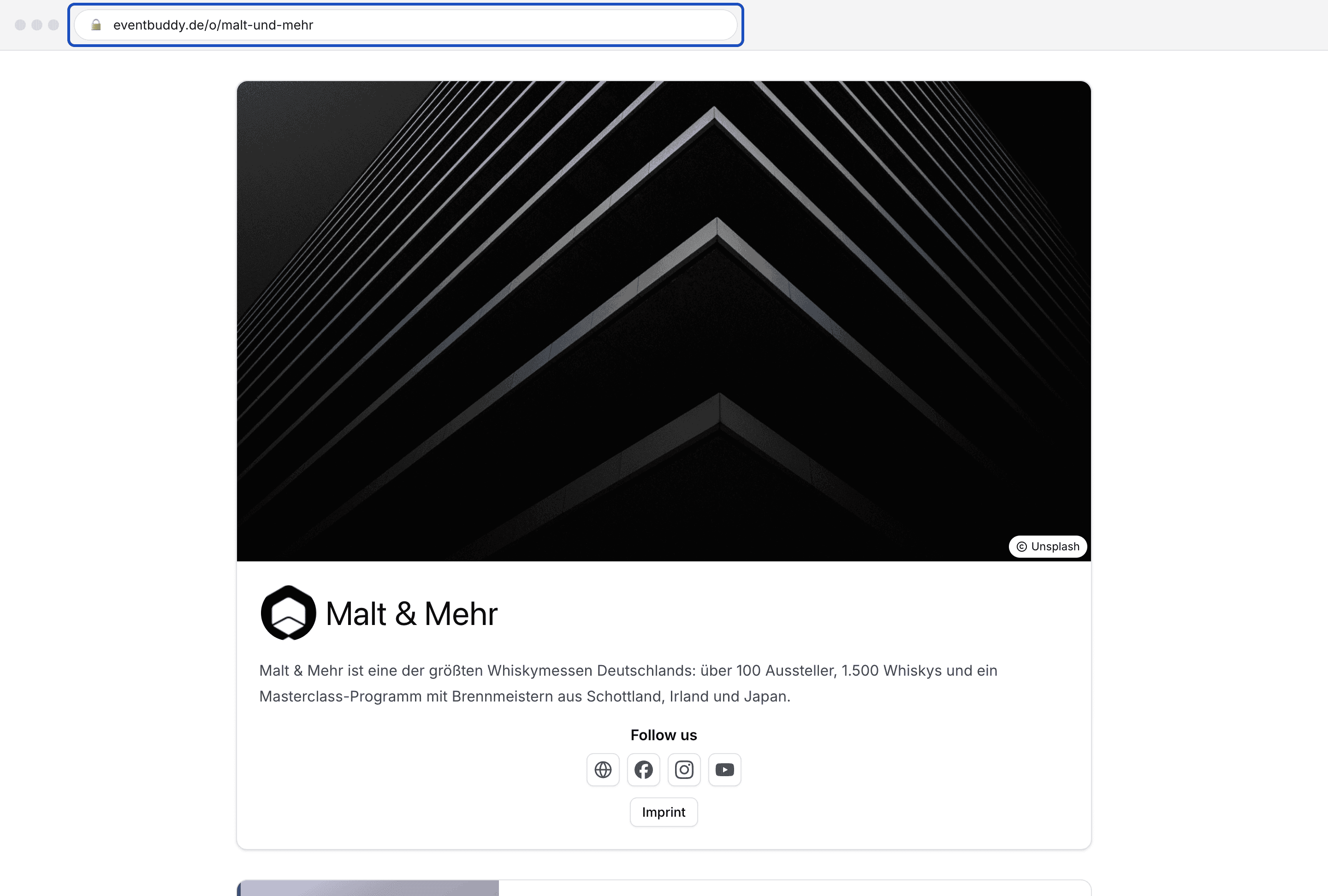
Link to a single event
In the sidebar under Sale, click Events, open the event's menu and click Show. The event page opens, and you copy its address as above.
Choose a list or categories
In Settings, in the General Information tab, Store overview decides how your shop page is built:
- All events: All public events are listed one below the other.
- Categories: Your guests first see tiles for your categories, for example "Tastings" and "Fairs", and the events inside them.

You choose an event's category when you edit the event, in the Category field. Use Manage Event Categories in that field to create new categories. Each category has its own page that you can link to as well.
Show the shop on your website
The simplest way is a button or link on your website that points to your shop page or an event. Your guests then buy in the Eventbuddy shop.
If you want to embed the shop right into your page, you can do that with an iframe. Your shop page, the event pages and the checkout can be embedded this way. Eventbuddy has a small script that adjusts the height of the iframe to its content.
Good to know
Does the link change when I change the URL slug?
Yes. The old link then no longer leads to your shop. So it's best to change the URL slug before you share the link.
What do my guests see on the shop page?
The cover picture, logo and description from your organizer profile, your social media profiles, the link to your imprint and your events below. The article on the organizer profile shows how to set this up.